Visually Edit Complex CSS Keyframe Sequences.
Core Features 100% Free forever. No account required.
Start Creating Now!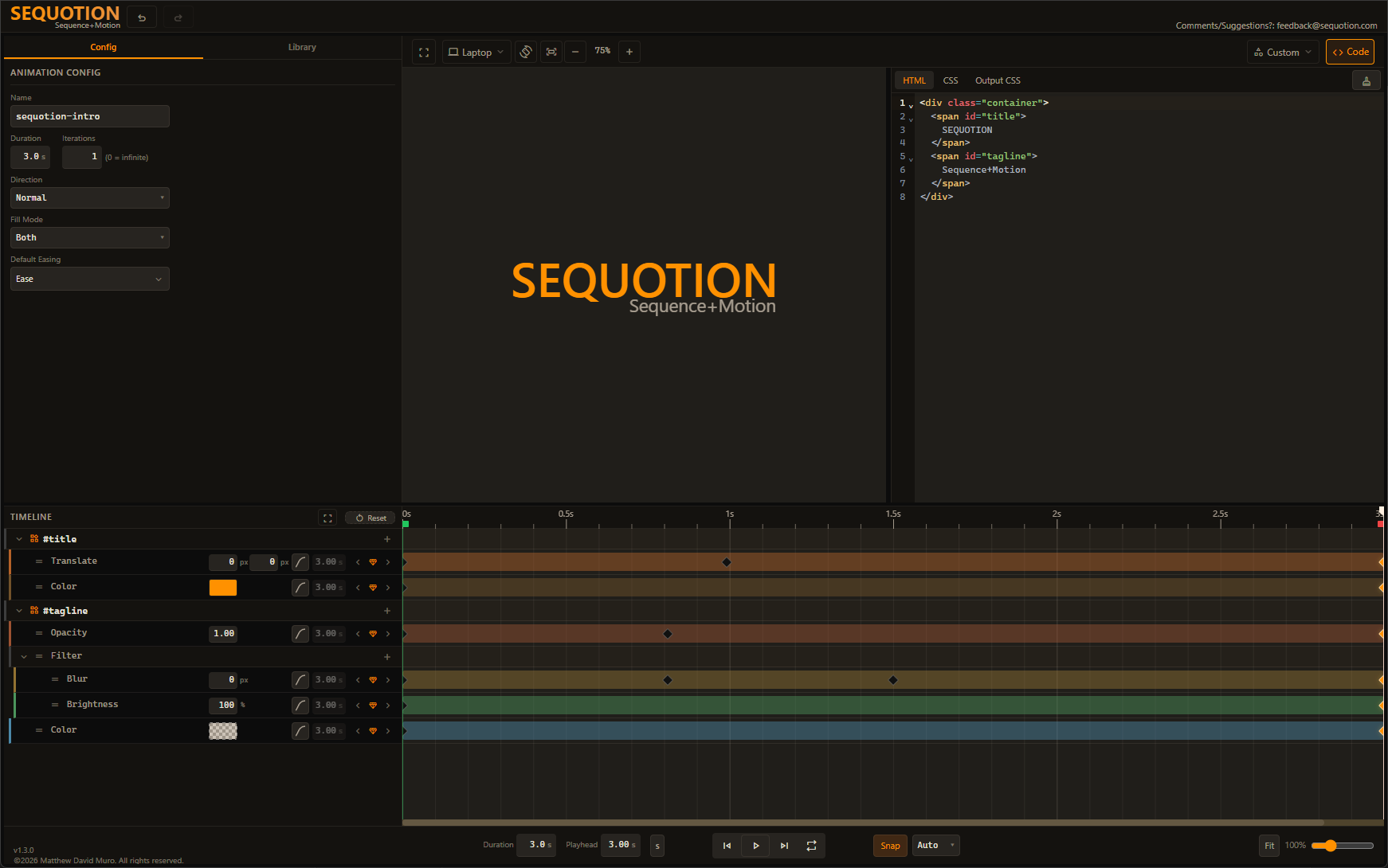
Multi-Track Timeline
Sequence animations across multiple elements with a visual timeline. Drag keyframes, adjust timing, see changes instantly.
Bring your own HTML/CSS
Paste or build your code in the editor and see your changes instantly. Bring your own designs to perfect your animations.
Production-Ready CSS
Export clean @keyframes CSS ready to drop into any project. What you build is what you ship.
Per-Property Control
Animate opacity, translate, color, blur, and more — each with independent keyframes and easing curves. Add properties by code or by dropdown.
Live Preview
Watch your animation update instantly as you tweak keyframes, easing, and timing. Zero lag, zero refresh.
Multi-Track Timeline
Drag keyframes, adjust timing, see changes instantly.
Bring your own HTML/CSS
Paste or build your code and see changes instantly.
Production-Ready CSS
Export clean @keyframes CSS ready to drop into any project.
Per-Property Control
Each property gets independent keyframes and easing curves.
Live Preview
Watch your animation update instantly. Zero lag, zero refresh.
Everything you need to build stunning CSS animations
If you can dream it, you can animate it.
Visual Timeline Editor
Drag-and-drop keyframes on a professional timeline with snapping, multi-select, and per-property tracks.
Multi-Element Animations
Animate multiple HTML elements in a single coordinated animation.
Compound Properties
Animate complex CSS like box-shadow, border-radius, and filter with individual sub-property control.
Per-Keyframe Easing
Set custom easing curves on each keyframe with visual curve previews.
Export & Production CSS
Export clean @keyframes CSS with scroll triggers, responsive preview, and a built-in code editor with Emmet.
Presets & Quick Start
Start from built-in animation presets and shape templates, then customize duration, easing, and timing to make them your own.
Premium Features
Save to Your Library
Save your custom animations to a personal library. Reuse, remix, and build on your best work.
Animation Sequencer
Chain multiple saved animations into coordinated sequences with a dedicated sequencer timeline. Orchestrate complex multi-step motion.
Figma Plugin
Bring Sequotion into your design workflow with a dedicated Figma plugin.
Free version also coming soon